Friday, 13 November 2015

xposed installer Pro v33 36570c.apk

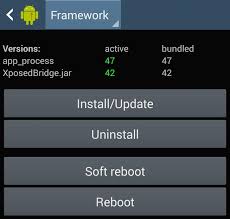
This is the installer for the Xposed framework, which is a requirement for all modules.

Xposed is a framework for modules that can change the behavior of the system and apps without touching any APKs. That's great because it means that modules can work for different versions and even ROMs without any changes (as long as the original code was not changed too much). It's also easy to undo. As all changes are done in the memory, you just need to deactivate the module and reboot to get your original system back. There are many other advantages, but here is just one more: Multiple modules can do changes to the same part of the system or app. With modified APKs, you to decide for one. No way to combine them, unless the author builds multiple APKs with different combinations.


Language : En
Version : 33.36570
Requirement : Android 2.3.2+
Size : 770 KB
Download

XmodGames Pro 2.0.2 202 91.apk

Xmodgames is the Best Free Game Assistant tool in the world, which can Save time for gamers, Improve gaming efficiency, provide Better game experience.
Forever Outstanding Sense of Fulfillment in Game .The LITE version includes BEST mods for hottest games.COC,BoomBch,MCPE,COK,CClashs,COL2 and so on.
For more content, please visit our official website:http://www.xmodgames.com/
☆ More Features
►Gadgets to enhance social interactions in games
►Build-in Screenshot & Smooth HD Record
►Forums and Chatroom to Discuss & Share Live Game Experience

☆ Xmodgames serves to attain what players need in respect of game play fairness and developers’ interests, by achieving the following goals!

►Save time and money for gamers
Save Perfect Player Layout & Dead Base Search in coc
►Improve gaming efficiency with Better game experience
TMI in MCPE
►Forever Timely Update and Support:
We are proud to promise that mod updates within the app will be released in less than 3 days.We will offer fastest and full support to our users.
☆ Supported languages:
Available in English (UK and US),Spanish,Portuguese(Brazil),and Russian.

☆ Do not work?
●Cannot support X86 currently, but will do in the next update.
●You have to grant root permission to XMG in root access management tool like SuperSU before launch the mod. Then please kill the app and relaunch till it works.

Update information
1.New Chatroom
2.Notification Added
3.Multiple languages supported:English,Spanish,Portuguese and Russian


Language : En
Version : 2.0.2
Requirement : Android 2.3.2+
Size : 8.0 MB
Download

Total Commander Pro v2.62.apk

Android version of the desktop file manager Total Commander (www.ghisler.com).
Main features:
- Copy, Move whole subdirs
- Drag & Drop (long press on file icon, move icon)
- Inplace rename, create directories
- Delete (no recycle bin)
- Zip and unzip, unrar
- Properties dialog, change permissions
- Built-in text editor
- Search function (also for text)
- Select/unselect groups of files
- Select by tapping on file icons
- Select range: Long tap+release on icon
- List of installed Apps (built-in plugin)
- FTP and SFTP client (plugin)
- WebDAV (Web folders) (plugin)
- LAN access (plugin)
- Plugins for cloud services: Google Drive, Microsoft Live, Dropbox
- Root support for the main functions (optional)
- Send files via Bluetooth (OBEX)
- Thumbnails for pictures
- Two panels side by side, or virtual two panel mode
- Bookmarks
- Directory history
- Media player which can stream directly from LAN, WebDAV and cloud plugins
- Configurable button bar for changing directories, internal commands, launching apps, and sending shell commands
- Simple help function in English, German, Russian, Ukrainian and Czech
- Optimizations for visually impaired, like text for icons
- Supported languages of the main program: English, German, Bulgarian, Croatian, Czech, Danish, Dutch, French, Greek, Hebrew, Hungarian, Indonesian, Italian, Japanese, Korean, Polish, Portuguese, Romanian, Russian, Serbian, Simplified Chinese, Slovak, Slovenian, Spanish, Swedish, Traditional Chinese, Turkish, Ukrainian and Vietnamese.

About the new permission "SuperUser":
This permission is now requested to make Total Commander work better on rooted devices. It tells the SuperUser app that Total Commander suports root functions. It has no effect if your device is not rooted. Root functions allow Total Commander to write to system folders like /system or /data. You will be warned before anything is written if the partition is write protected.


Language : En
Version : 2.62
Requirement : Android 1.5+
Size : 1.7 MB
Download

Titanium Backup Pro v7.2.4.1.apk

☆Needs ROOT, Android 1.5-6.0+ (ARM,x86,MIPS)
☆Over 20 million users, 31+ languages.
☆PRO Key is available on Play Store!
☆Voted #1 TOP ROOT APP on Twitter.
☆Problem? See titaniumtrack.com/kb
☆Scroll down for more info & DEMO VIDEOS ;-)
☆ ☆ ☆
Titanium Backup is the most powerful backup tool on Android, and then some.

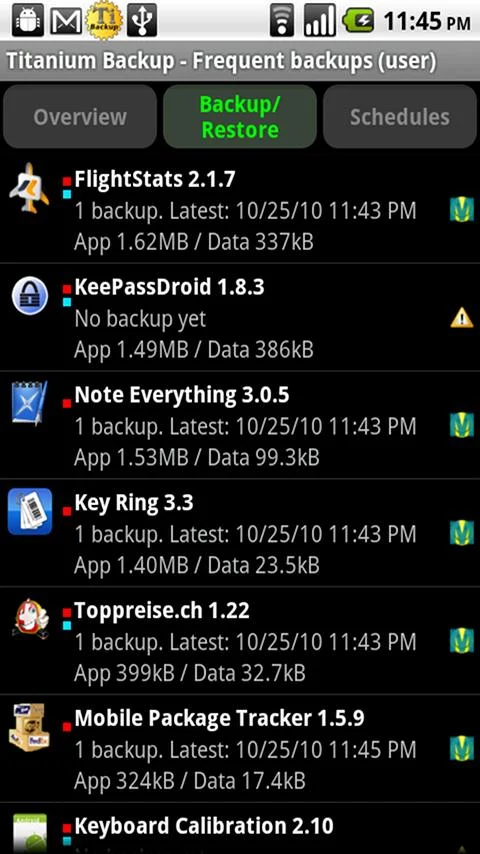
You can backup, restore, freeze (with Pro) your apps + data + Market links. This includes all protected apps & system apps, plus external data on your SD card. You can do 0-click batch & scheduled backups. Backups will operate without closing any apps (with Pro). You can move any app (or app data) to/from the SD card. You can browse any app's data and even query the Market to see detailed information about the app.

Also see the paid PRO key which adds EVEN MORE awesome features such as:
[✔] 0-click batch restores
[✔] Keep multiple backups per app
[✔] Backup/restore SMS,MMS,calls,bookmarks,Wi-Fi AP as XML
[✔] Multi-user app data
[✔] Apps freezer
[✔] Sync to/from Dropbox (manual/scheduled)
[✔] Sync to/from Box (manual/scheduled)
[✔] Sync to/from Google Drive (manual/scheduled)
[✔] TB Web Server: download/upload your backups as a single ZIP on your computer
[✔] Convert user apps <=> system apps
[✔] Integrate system app updates into ROM
[✔] Encryption
[✔] Market Doctor (relink apps to Market)
[✔] "Destroy all Market links" feature
[✔] Hypershell speed
[✔] Backup apps without closing them!
[✔] Create your own update.zip containing apps+data!
[✔] Restore individual apps+data from non-root ADB backups!
[✔] Restore individual apps+data from CWM backups!
[✔] Restore individual apps+data from TWRP backups!
[✔] Market "auto updating" manager
[✔] Dalvik cache cleaner
[✔] Integrate Dalvik cache system elements into ROM
[✔] Unlimited schedules
[✔] Load/Save a Filter and use it in Widgets/Schedules
[✔] Change the device's Android ID, restore it from a backup or after a factory reset
[✔] Protect backup against deletion
[✔] Send backup (to e-mail/cloud) and import it in 1 click
[✔] Backup→Verify→Un-install an app in one shot
[✔] Freeze/defrost/launch apps in a single click
[✔] CSV export any app DB (e-mail or Google Docs)
[✔] Convert app data to/from fast WAL format
[✔] WAY MORE!


Language : En
Version : 7.2.4.1
Requirement : Android 1.5+
Size : 7.4 MB
Download

Text on Pictures Pro.apk

Text on Pictures let you easily add any texts, cool stickers, frames and
themes seconds and share it via
Email, Face book.
Turn a simple photo into memorable Text on pictures, you’ll be amazed at
all the creative things you can do with text and that will make your photo
a standout.
We focus on providing you a simple, easy to use and visual enjoyment app!
You have 20 themes,20 frames,25 stickers.


Language : En
Version : 2.3
Requirement : Android 1.5+
Size : 8.0 MB
Download

Text on Photo Image Pro.apk

This app help you insert the text on photos easy and quickly!
Your image will become beautiful, detailed and vivid than more!
Features
+ Insert the text on photos.
+ Change position of text.
+ Custom typeface of text.
+ Custom size of text.
+ Custom color of text.
+ Custom shadow color of text.
+ Custom alpha of color.
+ Save and share the photo.
+ Simple and easy to use.

Please leave your comment and review if you like this app, it will help us so much in improving and enhancing the quality of products in the next version!
Thanks you very much!


Language : En
Version : 2.0
Requirement : Android 2.3.2+
Size : 7.3 MB
Download

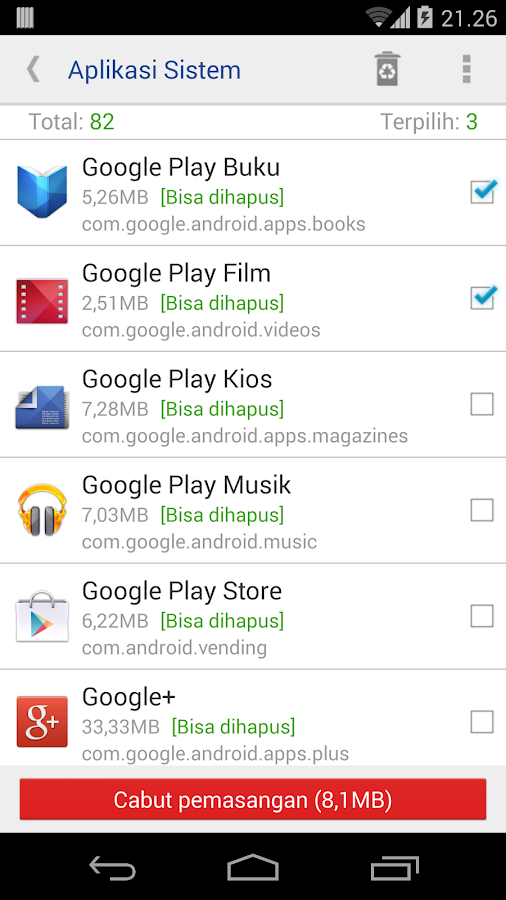
system app remover pro 3.5.1012

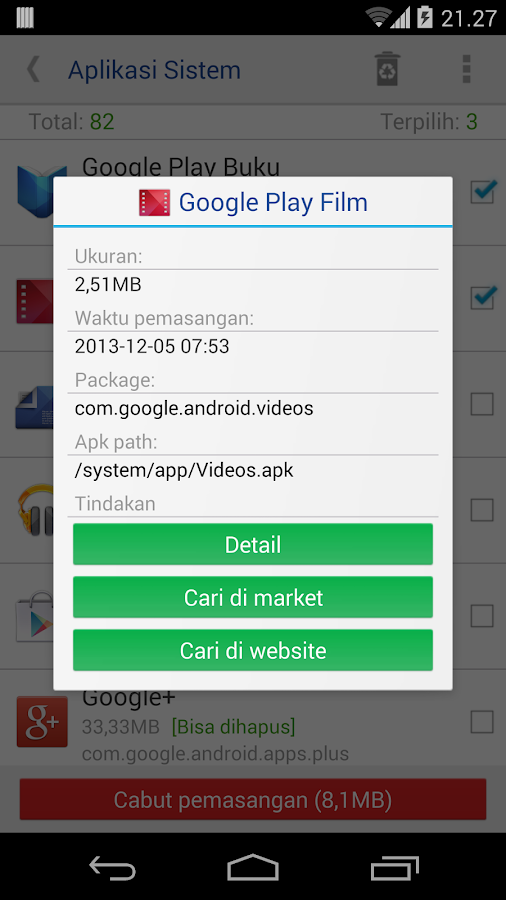
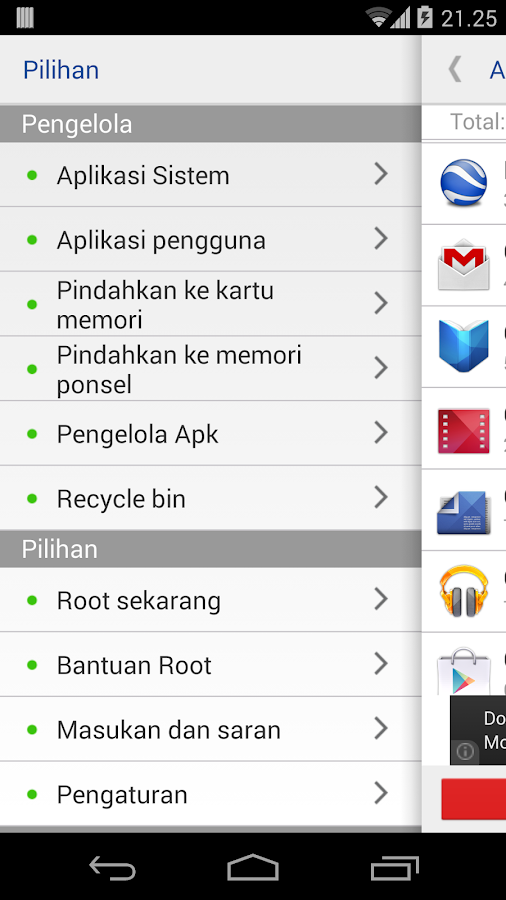
We provide ways to uninstall system app, uninstall user app, move app to sdcard, move app to phone, find all apk on sdcard, install apk, delete apk, rooting guide help.
Note: uninstall system app need root permission, and we do not provide root method.

Compare to other similar products, System app remover pro:
1, Safe, we filter out all apps that may cause unstable after uninstalled, and had tested hundreds of devices, so you can use it safely, but we can not make sure 100% safe because of manufacturers may customized too much, also, we backup all app you uninstalled automatic, so you can restore them in Recycle Bin whenever you need;
2, Clear, we classify all system app as [Could remove], [Should keep], [Key module], so you can choose what app to uninstall clearly;
3, Easy, we provide you a way to uninstall multi app in one time, make you easy to go;
4, Small, we release all memory allocated while app exit, and may the smallest app;

We never say we are the best, but we will try our best to make it better, any comments or suggestions will be nice, please let me know via feedback in our app.


Language : En
Version : 3.5.1012
Requirement : Android 2.1+
Size : 1.1 MB
Download

Smart Launcher Pro v3.10.29.apk

Smart Launcher 3 Pro unlocks the full potential of Smart Launcher. Exclusive features, even more customization and full control on the categories system


- Up to 9 screens when you can place your widgets
- You can assign a widget to an icon to show up it with a double tap
- Double finger gestures to quickly access to apps and contacts
- New Arch Layout
- Smart flat surface detection
- Full management of your category list
- 20 new categories ready to add to your drawer
- 7 extra drawer animations
- Faster support and updates
SIMPLE, LIGHT, FAST

Speed up your device with Smart Launcher 3. The innovative launcher that makes your Android more intuitive and well organized. Find out why it has been downloaded by over 20 million people.
Smart Launcher 3 is completely different from any other launcher on Play Store. It's not based on the AOSP launcher.


- Low resource requirements, save RAM and battery
- Material design
- Quick access to your favourite apps
- Double tap on an icon to start a second app
- Your apps list is automatically sorted by categories
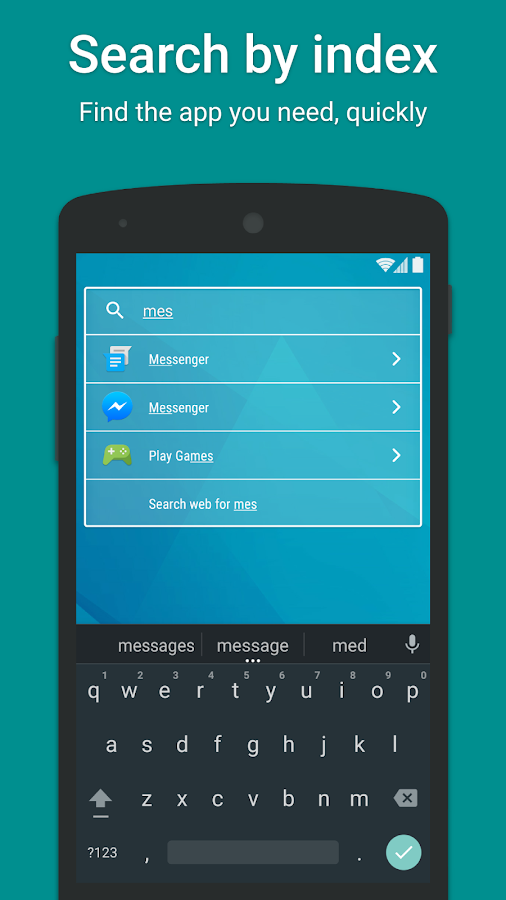
- Search bar for quick search in apps, contacts and web
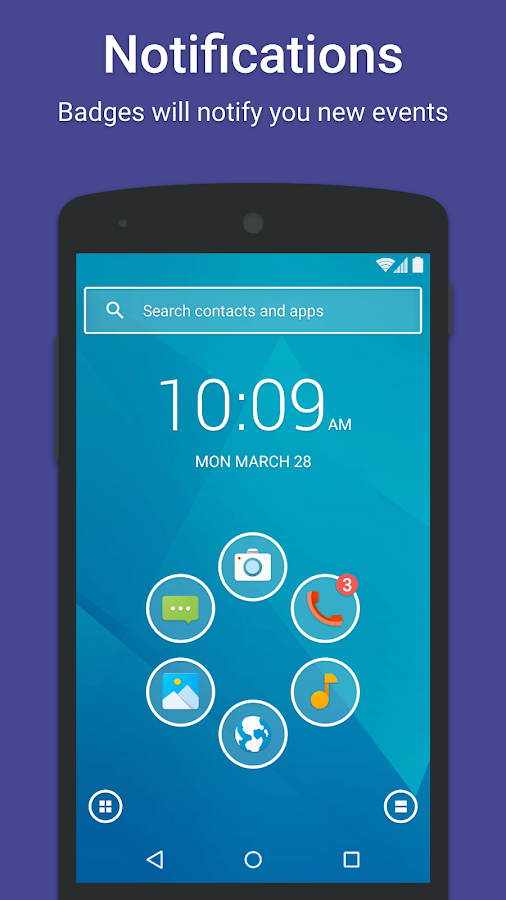
- Notifications on homescreen
- Turn off the screen with a double tap or just by leaving your device on a flat surface
- Integrated lockscreen with notifications
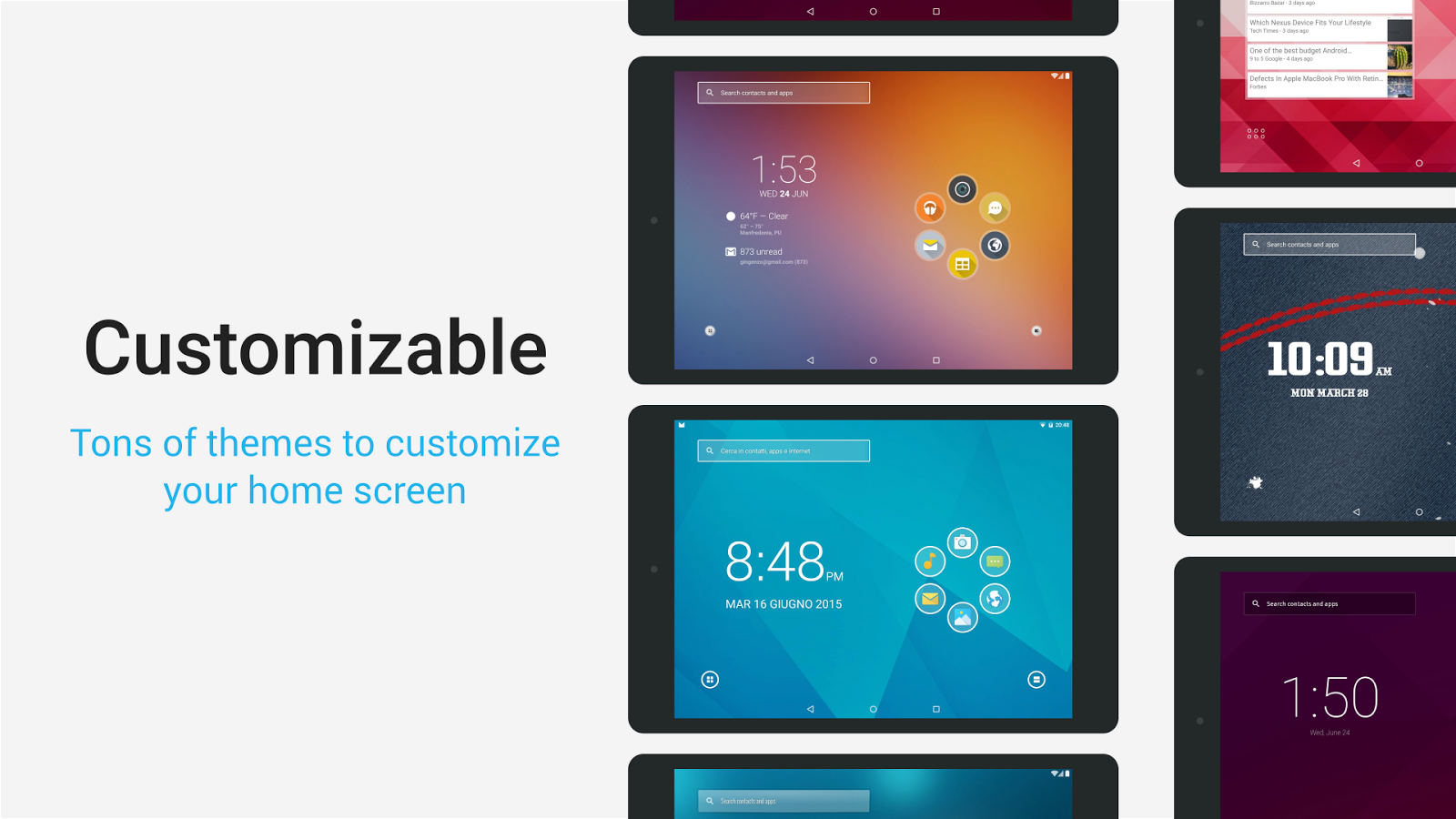
- Highly personalizable. Tons of themes and lockscreen, support for almost all iconpack
- Plugin architecture. You can download and enable only the features you want
- Security: You can hide apps from the apps grid and protect them with password
- Optimized to be comfortably used both in portrait and landscape mode
- Runs on almost every Android device. Runs on phone, tablet and Google TV
- Community driven development


Language : En
Version : 3.10.29
Requirement : Android 2.2+
Size : 3.2 MB
Download

Smart Booster Pro v5.91.apk

The best optimization tool. This is former Smart RAM Booster.
Discount 30% to celebrate 5.000.000 download milestone

Highlights of Smart Booster
► Smart RAM Booster: small widget to adaptively boost RAM from anywhere
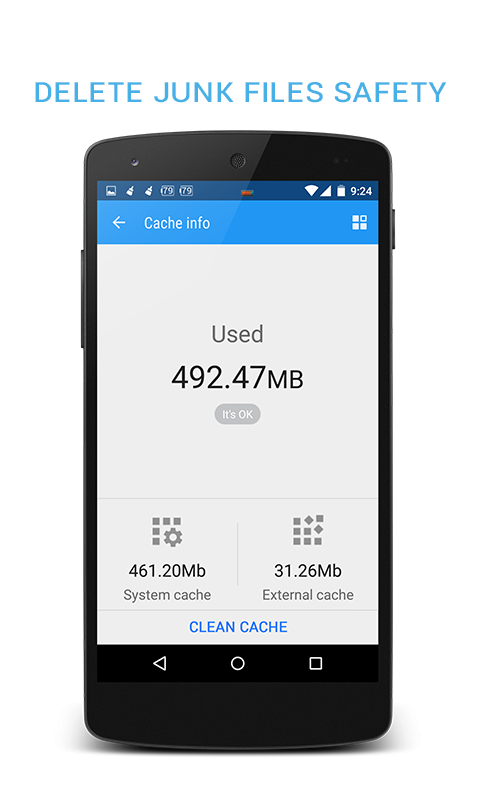
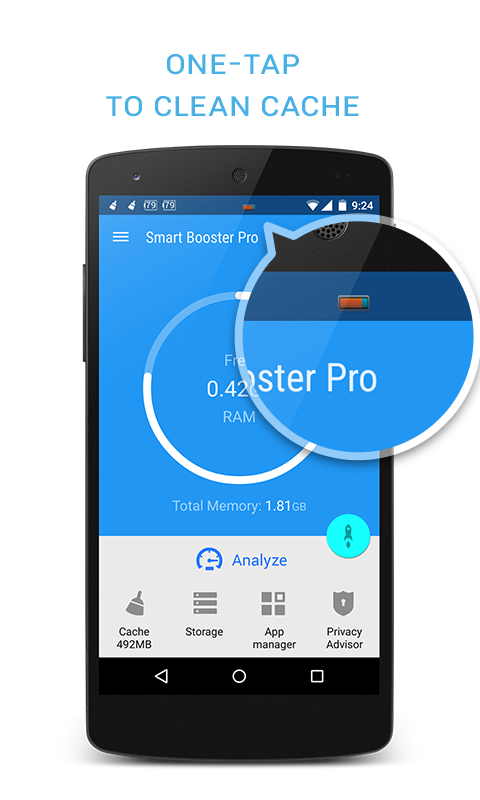
► Fast cache cleaner: one click to clean cache
► Quick SD Card cleaner: efficiently scan and clean junk created by million apps
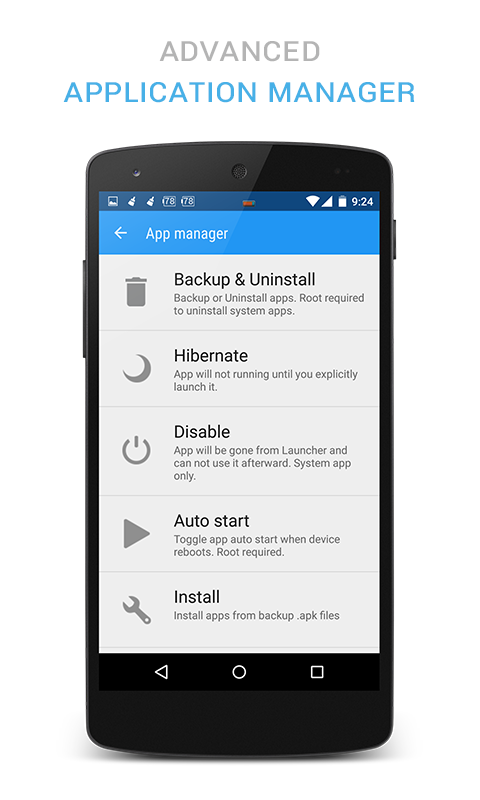
► Advanced application manager: optimize your devices by hibernate, disable, auto-start apps

Recommended by AddictiveTips. Hotest Apps by AppBrain.

Smart RAM Booster
The most beautiful part of this app is a small, configurable widget that places on top of any app and one-click to RAM boost.
Most of Android devices bundle with limited memory. Android task manager will selectively kill low priority tasks in order to
reserve memory to higher priority task. That’s not always run at an appropriate time, causing low responsive apps, lagging,
especially when you launch a new app after heavily browsing web pages. It causes a worse experience.

RAM Booster comes with auto-boost in 4 levels: aggressive, strong, medium, gentle.

☆ Aggressive: kill most of low priority apps
☆ Strong: Kill apps that is low priority as well as consume lightly below an “average”
☆ Medium: kill apps that consumes memory above an “average”
☆ Gentle: kill only apps that uses considerable memory

There are 5 ways to boost
☆ Auto-boost: boost automatically under RAM available & timing conditions
☆ Overlay widget – Enable RAM Booster overlay widget (on by default), adjust widget’s position, and tap on widget to boost anytime you want
☆ Home screen widget – one tap to boost (long-press your home screen>Widget to add RAM Booster widget)
☆ Notification bar – one tap to boost (toggle notification bar visibility in app’s setting)
☆ Boost Now – tap this button from app’s main screen

Fast cache cleaner
☆ 1-click to clean cache
☆ Show detail internal cache and external cache
☆ Select apps that use most cache

Quick SD Card cleaner
☆ Show SD card partition
☆ Scan for junk folder, big files, orphaned files
☆ Nice photo cleaner, music cleaner
☆ Notify for low storage usage

Advanced application manager
☆ Easily backup, uninstall unused apps
☆ App2SD - recommend apps to move to sd card
☆ Hibernate rarely used apps to save battery
☆ Disable system apps
☆ Scan auto-start apps
☆ Manage backup (.apk) files


Language : En
Version : 5.91
Requirement : Android 2.3.2+
Size : 3.2 MB
Download

Root Uninstaller Pro v8.1.apk

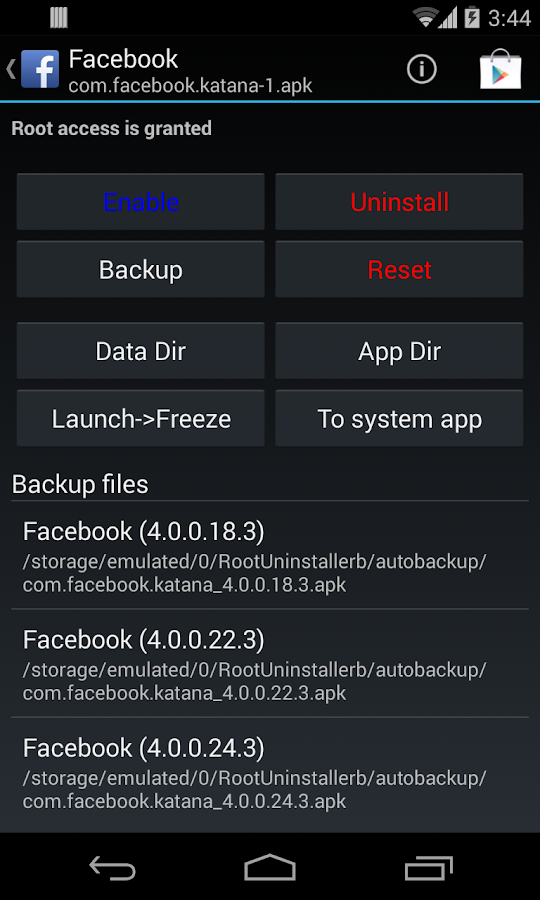
Don't like stock or system applications? It's for you. This application can freeze pre-installed applications on your phone and more.
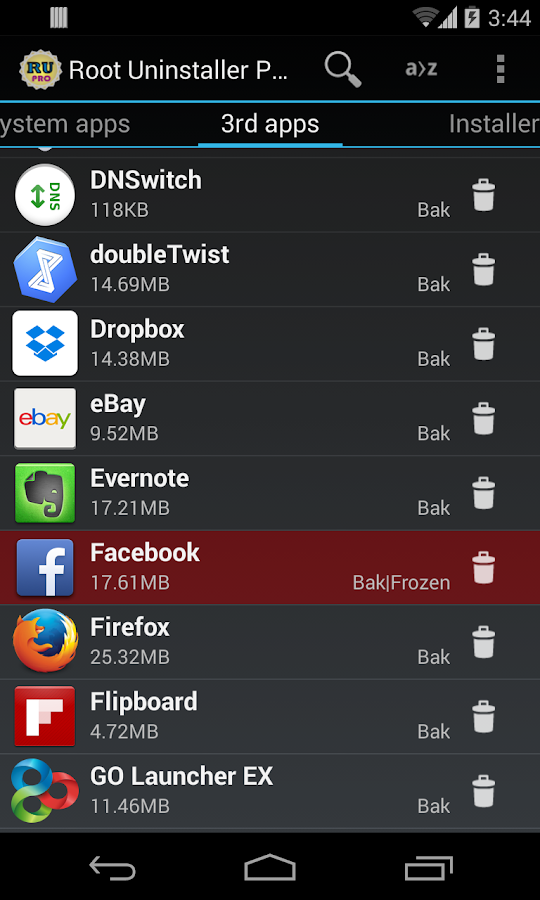
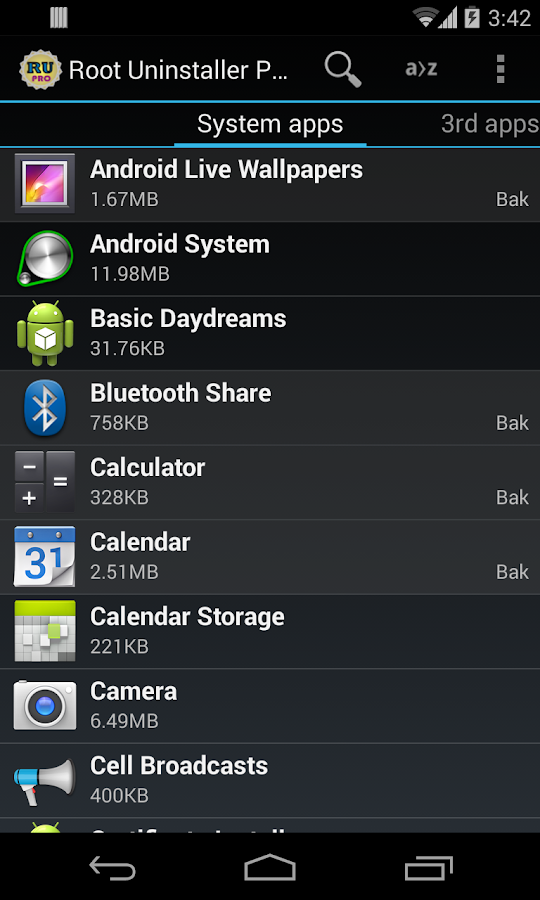
Very fast and simple uninstaller tool on single click for uninstalling both SYSTEM and REGULAR applications.

For ROOT+NAND unlocked devices
☆ Uninstall system applications
☆ Freeze or disable bloatware, stock and regular applications (keep updates)
☆ Defrost or enable applications (Free trial or PRO)
☆ Backup system application .apk to sdcard (that can reinstall later)
☆ Restore backed up applications
☆ Reset applications to fresh install state
☆ Delete definitively system applications
☆ Hide my App: launch a frozen app and automatically re-freeze on app closing (Pro only, tap on Launch->Freeze button )
☆ Explore application data folder, code folder (ex. edit preferences, need AntTek File Explorer)

For NON-ROOT devices
☆ Quick APK list to show all available .APK files on SDCard
☆ Keep Market reference and can restore after factory reset/change devices
☆ Manage to clear data, cache (manually)
☆ Manage .apk files: delete, install, install as a system app (PRO)
☆ Single click to uninstall a listed applications (Batch uninstall).
☆ Rapid load application list
☆ Display application name, icon, package name
☆ Exclude system applications (that you can not uninstall)
☆ Filter by third-party applications, system applications, applications on sdcard. backup applications or frozen applications
☆ Support large screen (ex. tablet) views
☆ Explore application data folder, code folder (ex. edit preferences, need AntTek File Explorer)

Trial on Free version :
☆ Three times to defrost or restore apps for Free version

IMPORTANT***IMPORTANT***
☆ Make sure you app is granted by SuperUser
☆ If you CANN'T freeze/defrost, try to enable USB Debugging (HOME/Settings/Application/Development/USB Debugging)
☆ If you CANN'T restore backup app, try to "find apps on SD card" then long-press the app and select "install as system app".
☆ This application uses SDCARD to store data
☆ PRO and FREE version are fully compatible

NOTES
- Some phones (ex. Desire) requires NAND unlocked
- INTERNET/ ACCESS_NETWORK_STATE/ ACCESS_COARSE_LOCATION are required for displaying AdMob. The PRO version does not require these permissions.


Language : En
Version : 8.1
Requirement : Android 2.3+
Size : 1.6 MB
Download

Root Explorer Pro 3.3.7.apk

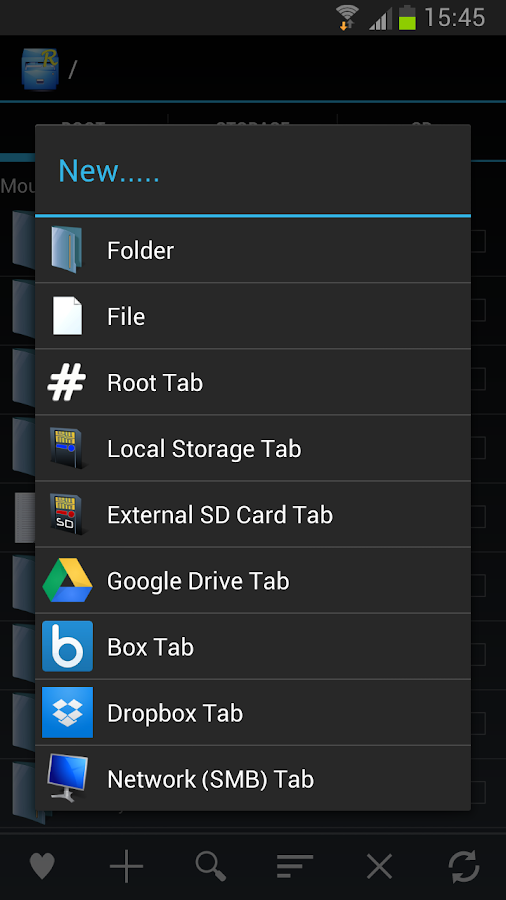
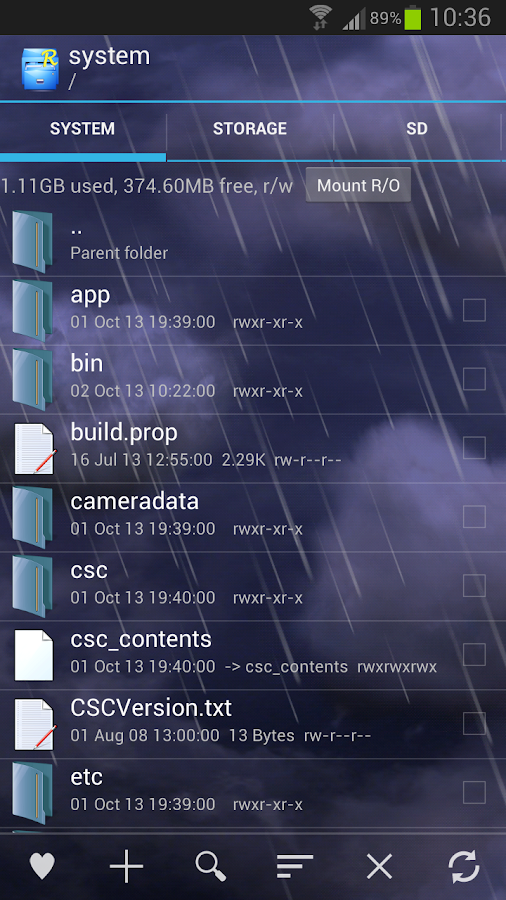
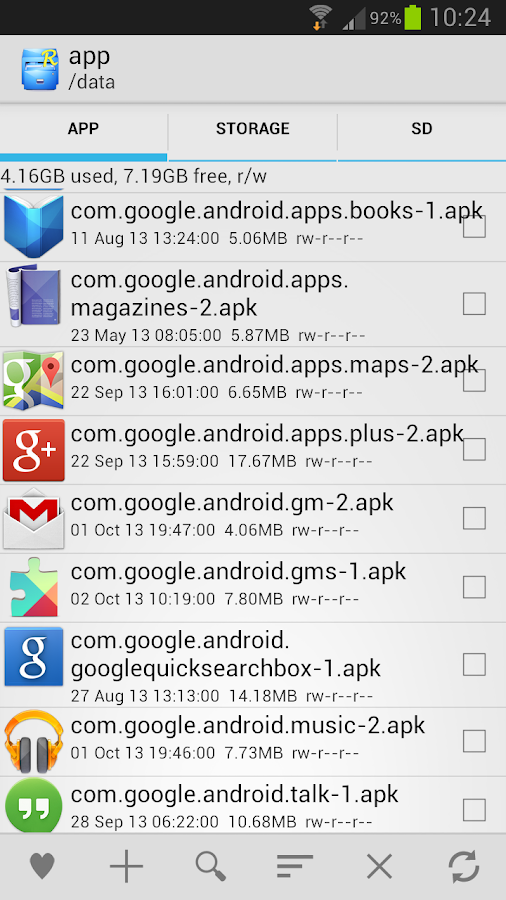
Root Explorer is the ultimate file manager for root users. Access the whole of android's file system (including the elusive data folder!).
Features include multiple tabs, Google Drive, Box, Dropbox and network (SMB) support, SQLite database viewer, Text Editor, create and extract zip or tar/gzip files, extract rar archives, multi-select, execute scripts, search, remount, permissions, bookmarks, send files (via email, bluetooth etc), image thumbnails, APK binary XML viewer, change file owner/group, create symbolic link, "Open With" facility, MD5, create shortcuts.

For fast, friendly support simply email us: support@speedsoftware.co.uk

We will always try to help with any problem you may have with the app. If we can't help then you can have a refund, no questions asked.

Although 22,000+ five star ratings will tell you that most people are very satisfied customers. Make sure you read as many comments as possible to get a good idea of what most people think of the app.

We still respect the old 24 hour refund policy. So if you're not happy with the app just email us within 24 hours and you can have a refund. We'll need to know the order number, which you can find on the emails sent to you by Google when you downloaded.

Why compromise? Get the original and the best!

New permissions:

Full network access - Required for network and cloud access. No information is passed to us over the internet.

Add or remove accounts - Used by the Google Drive SDK to add a new account if desired. No changes are made to existing accounts and no details accessed apart from the account name.

Find accounts on the device - Used to list available accounts for logging into Google Drive.

Prevent from sleeping - Used to stop the device sleeping during long operations so they are not interrupted.


Language : En
Version : 3.3.7
Requirement : Android 2.3.2+
Size : 2.4 MB
Download

Root Checker Pro v1.6.1.apk

**** THIS APPLICATION DOES NOT REQUIRE ROOT ACCESS ****
**** THIS APPLICATION WILL NOT ROOT THE DEVICE ****

This application will allow the user to confirm they have proper root ( superuser ) access and a proper BusyBox installation.

The Root Check mode displays the most important information when determining whether root (superuser) access has been properly installed: standard su binary locations and file permissions, root uid/gid (user id/group id) and SELinux context results, Superuser application installations and version, adb shell default user mode (shell or root user), SELinux Status (enforcing or not), and the System defined PATH.
For the more advanced and technically inclined users, many important details are provided around the Root and BusyBox installation. The application presents all the details needed to properly troubleshoot any Root or BusyBox issues.

The goal of this application is to provide even the newest Android user with a simple method to check their device for root access. This application will also allow the user to verify a proper BusyBox installation.

**PLEASE EMAIL ME WITH ISSUES OR QUESTIONS REGARDING MY APPLICATION. I ALWAYS REPLY!**

The application makes it very simple and easy to export the detailed output via email or any other social media application installed on the device. One simple button allows Root (superuser) and BusyBox details to be shared for collaborating or troubleshooting!

This application will test the device for root access. Very simple, quick, and reliable test method to check for root access. The su binary is the most common binary used on Android devices to grant root access. This application will check and verify the su binary location and permissions on the device. This information is generally the most helpful in diagnosing issues with root access.

A common method for resolving issues around properly installing and configuring root access via the su binary is to gather the permissions around the su binary along with the installation location. All this information is quickly summarized in a few seconds by this application. To grant even greater convenience, this information can be quickly exported and shared for assistance in resolving su binary and root issues.

The widget provided along with this application allows easy and constant monitoring of root and busybox installation status. The widget allows the user to setup a timer interval to check for root and busybox status. The widget will always keep the user up to date via on screen widget notifications regarding root and busybox installation and operating status.

Please don't leave negative feedback! Instead, please email me with your feedback, suggestions, and comments! Feel free to email your advanced root/BusyBox results along with your feedback! Thank you!!


Language : En
Version : 1.6.1
Requirement : Android 2.3.2+
Size : 1.8 MB
Download

RAM Manager Pro v8.0.5.apk

ROOT IS REQUIRED
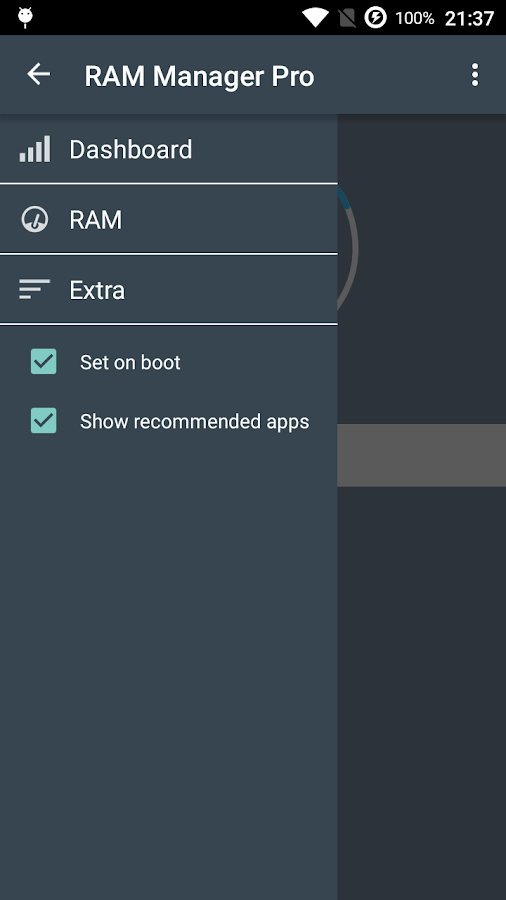
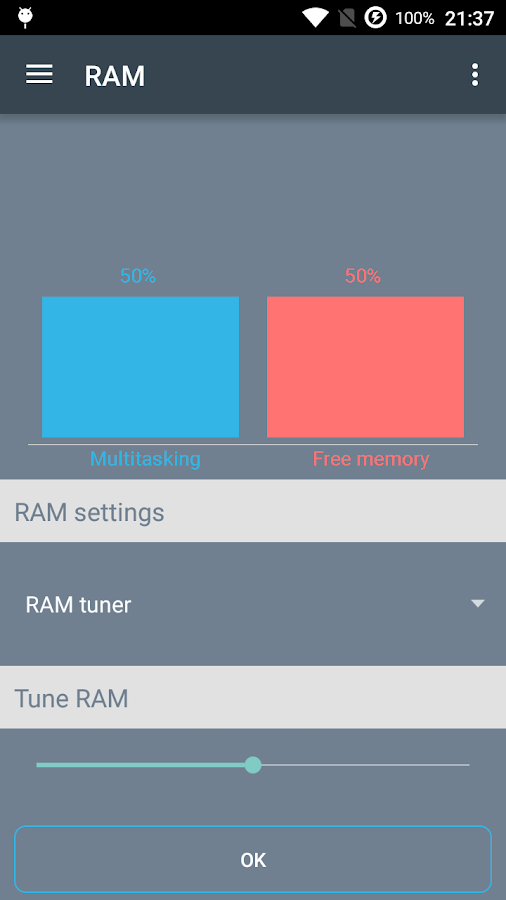
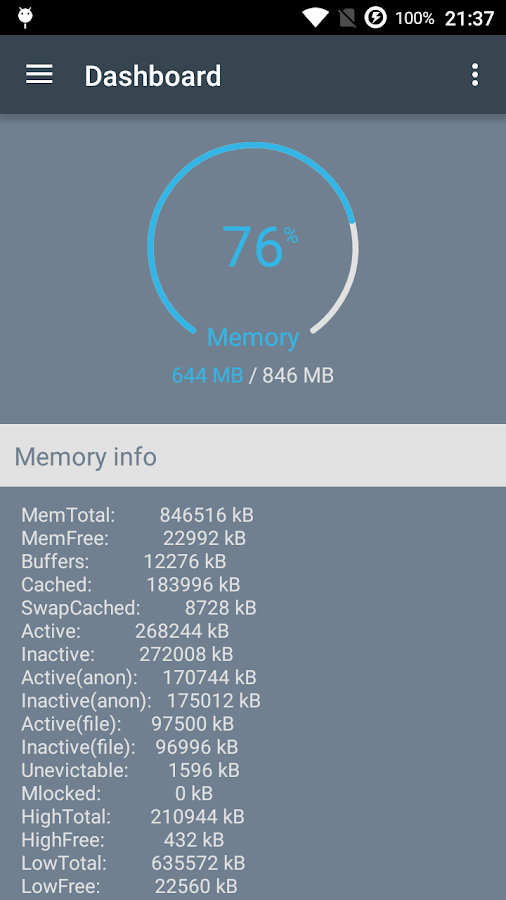
RAM Manager is application which optimizes the RAM of all Android devices and keep the best balance between enough free memory and running applications. This application reduces lags for a purpose of increasing speed of your device. RAM Manager is the best solution for all who have problem with the free memory, with the multitasking, with slow swapping between applications, with low performance or just want to improve the performance in all directions. You can simply boost speed of your device simply by selecting specific profile which you actually need. The main advantage of this application is that RAM Manager allows you to set your RAM according to your demands (e.g. for multitasking or for free memory or for the best balance between them).

FEATURES
★Dashboard
-Memory graph
-Memory info
★RAM tuner
-RAM tuner
-Custom
-Default
★Extra
-Lock launcher in memory (Prevents your launcher from being killed)
-Clean memory
-Drop caches (Cleans page cache, dentries and inodes)
-VM Heap size
-Swap file
★Widget
★Languages - English, Czech, Slovak, Korean, Italian, Croatian, Polish, French, Russian, Greek, Chinese, Simplified Chinese, Turkish, Spanish, Portuguese, Persian, Indonesian, Dutch

ADVANTAGES OF PRO VERSION
★No ads
★All features
★Faster support
★More frequent updates
★You can support development by buying this application


Language : En
Version : 8.0.5
Requirement : Android 3.0+
Size : 3.2 MB
Download

Disarankan